未分类
2020-12-30 14:02:53
1822677238@qq.com
手机扫码查看
2020java框架教程之mybatis分页
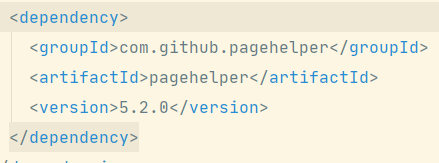
1.导入依赖
<dependency>
  <groupId>com.github.pagehelper</groupId>
  <artifactId>pagehelper</artifactId>
  <version>5.2.0</version>
</dependency>
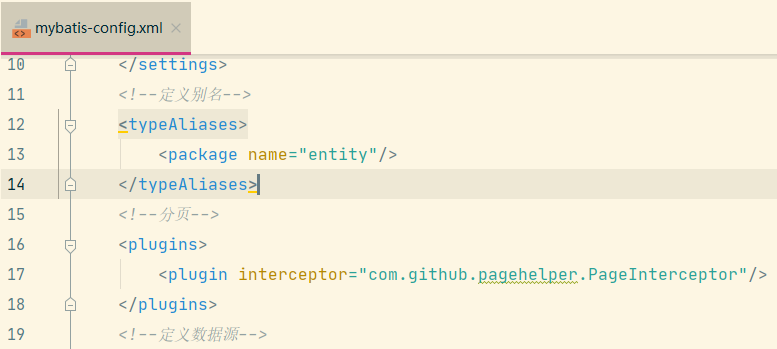
2.配置mybatis-config.xml文件
分页插件写在typeAliases后面
<!--分页-->
<plugins>
    <plugin interceptor="com.github.pagehelper.PageInterceptor"/>
</plugins>
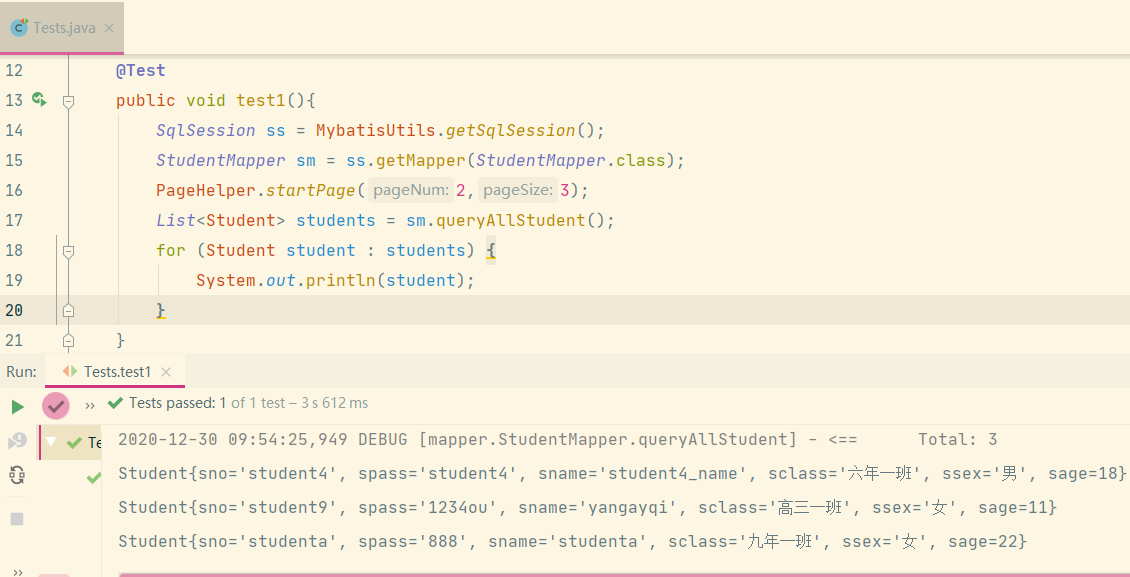
3.调用分页方法
@Test
public void test1(){
    SqlSession ss = MybatisUtils.getSqlSession();
    StudentMapper sm = ss.getMapper(StudentMapper.class);
    PageHelper.startPage(2,3);
    List<Student> students = sm.queryAllStudent();
    for (Student student : students) {
        System.out.println(student);
    }
}
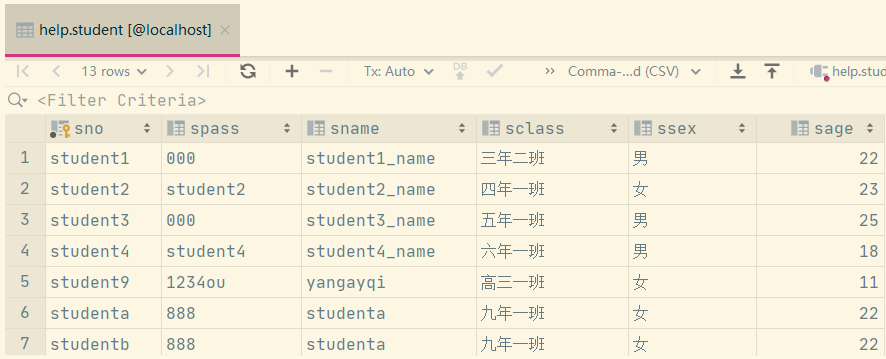
数据库表:
分页查询注意事项:
1.只有在PageHelper.startPage方法之后的 第一个查询会有执行分页
2.分页插件不支持带有 for update 的查询语句
3.分页插件不支持 嵌套查询 ,由于嵌套查询结果方式会导致结果集被折叠,所以无法保证分页结果数量正确。
web分页方法
1.创建page实体类,属性有pageNum和pageSize并添加构造方法以及getset方法
public class Page {
    private Integer pageNum=1;
    private Integer pageSize=6;
2.给属性附上默认值
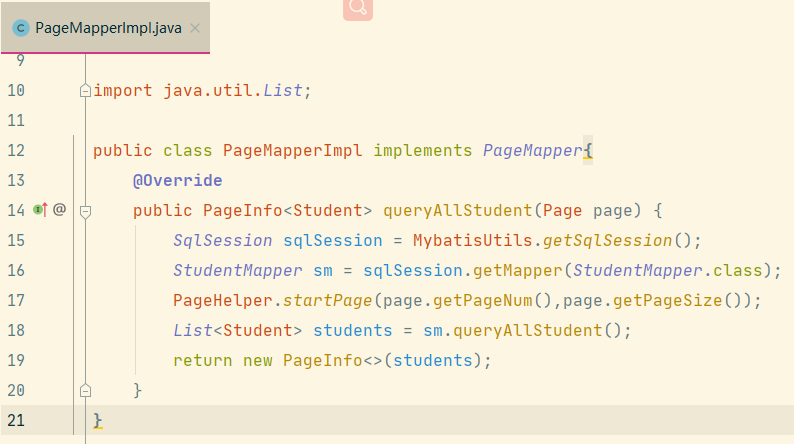
3.创建接口以及实现类
public interface PageMapper {
    PageInfo<Student> queryAllStudent(Page page);
}
public class PageMapperImpl implements PageMapper{
    @Override
    public PageInfo<Student> queryAllStudent(Page page) {
        SqlSession sqlSession = MybatisUtils.getSqlSession();
        StudentMapper sm = sqlSession.getMapper(StudentMapper.class);
        PageHelper.startPage(page.getPageNum(),page.getPageSize());
        List<Student> students = sm.queryAllStudent();
        return new PageInfo<>(students);
    }
}
4.创建servlet
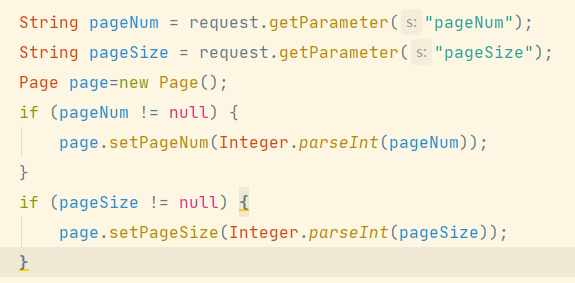
5.获取pageNum和pageSize参数并判断
String pageNum = request.getParameter("pageNum");
String pageSize = request.getParameter("pageSize");
Page page=new Page();
if (pageNum != null) {
    page.setPageNum(Integer.parseInt(pageNum));
}
if (pageSize != null) {
    page.setPageSize(Integer.parseInt(pageSize));
}
6.调用接口实现类,创建Page对象将参数传入实现类方法
7.存作用域并转发
PageMapper pm=new PageMapperImpl();
PageInfo<Student> info = pm.queryAllStudent(page);
session.setAttribute("info",info);
request.getRequestDispatcher("/select.jsp").forward(request,response);
8.在jsp页面中通过集合进行遍历
<c:forEach items="${sessionScope.info.list}" var="stu">
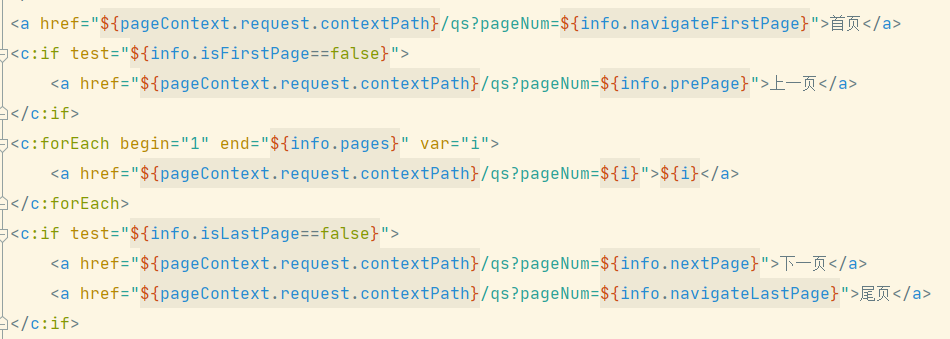
9.分页显示
<a href="${pageContext.request.contextPath}/qs?pageNum=${info.navigateFirstPage}">首页</a>
<c:if test="${info.isFirstPage==false}">
    <a href="${pageContext.request.contextPath}/qs?pageNum=${info.prePage}">上一页</a>
</c:if>
<c:forEach begin="1" end="${info.pages}" var="i">
    <a href="${pageContext.request.contextPath}/qs?pageNum=${i}">${i}</a>
</c:forEach>
<c:if test="${info.isLastPage==false}">
    <a href="${pageContext.request.contextPath}/qs?pageNum=${info.nextPage}">下一页</a>
    <a href="${pageContext.request.contextPath}/qs?pageNum=${info.navigateLastPage}">尾页</a>
</c:if>





发表回复